Notificaciones Push en React Native y Expo con Firebase Cloud Messaging (FCM): Guía Integral
Las notificaciones push son el canal de comunicación con mayor tasa de apertura en aplicaciones móviles, alcanzando hasta un 40% más de retención y re-engagement que el correo electrónico. Sin embargo, configurar notificaciones fiables que funcionen tanto en iOS (Apple Push Notification service - APNs) como en Android con React Native y Expo suele ser un reto técnico. En esta guía detallamos la arquitectura paso a paso.
Arquitectura de Notificaciones Push Multiplataforma#
El flujo de entrega de una notificación push involucra tres actores fundamentales: la aplicación móvil (cliente), tu servidor backend y los servidores de mensajería en la nube de Google y Apple.
graph TD
    App["App Móvil (React Native / Expo)"] -->|1. Solicita permiso y obtiene Push Token| PushServer["Apple APNs / Google FCM"]
    App -->|2. Envía Token del Dispositivo| Backend["Backend API (Node.js / Supabase)"]
    Backend -->|3. Almacena Token vinculado al Usuario| DB[("Base de Datos PostgreSQL")]

    Trigger["Evento de Negocio (Nueva Venta / Mensaje / Alerta)"] --> Backend
    Backend -->|4. Despacha Payload con Firebase Admin SDK| PushServer
    PushServer -->|5. Entrega Notificación Push en pantalla| App
1. Configuración del Cliente en React Native (Expo Notifications)#
Utilizando el paquete oficial expo-notifications, podemos gestionar permisos, canales en Android y escuchar eventos de llegada y toque de la notificación.
Hook personalizado para registro de Push Token:#
// hooks/usePushNotifications.ts
import { useState, useEffect, useRef } from 'react';
import * as Device from 'expo-device';
import * as Notifications from 'expo-notifications';
import Constants from 'expo-constants';
import { Platform } from 'react-native';
import { useRouter } from 'expo-router';

// Configurar cómo se comportan las notificaciones cuando la app está abierta en primer plano
Notifications.setNotificationHandler({
  handleNotification: async () => ({
    shouldShowAlert: true,
    shouldPlaySound: true,
    shouldSetBadge: true,
  }),
});

export function usePushNotifications() {
  const [expoPushToken, setExpoPushToken] = useState<string | null>(null);
  const notificationListener = useRef<Notifications.EventSubscription | null>(null);
  const responseListener = useRef<Notifications.EventSubscription | null>(null);
  const router = useRouter();

  useEffect(() => {
    registerForPushNotificationsAsync().then((token) => setExpoPushToken(token));

    // Escuchar cuando llega una notificación con la app abierta
    notificationListener.current = Notifications.addNotificationReceivedListener((notification) => {
      console.log('Notificación recibida en foreground:', notification);
    });

    // Escuchar cuando el usuario TOCA la notificación (Deep Linking)
    responseListener.current = Notifications.addNotificationResponseReceivedListener((response) => {
      const data = response.notification.request.content.data;
      if (data?.url) {
        router.push(data.url); // Redirige a la pantalla interna con Expo Router
      }
    });

    return () => {
      if (notificationListener.current) notificationListener.current.remove();
      if (responseListener.current) responseListener.current.remove();
    };
  }, []);

  return { expoPushToken };
}

async function registerForPushNotificationsAsync(): Promise<string | null> {
  if (!Device.isDevice) {
    console.warn('Las notificaciones push requieren un dispositivo físico.');
    return null;
  }

  const { status: existingStatus } = await Notifications.getPermissionsAsync();
  let finalStatus = existingStatus;

  if (existingStatus !== 'granted') {
    const { status } = await Notifications.requestPermissionsAsync();
    finalStatus = status;
  }

  if (finalStatus !== 'granted') {
    alert('¡No se otorgaron permisos para notificaciones push!');
    return null;
  }

  const projectId = Constants?.expoConfig?.extra?.eas?.projectId ?? Constants?.easConfig?.projectId;
  const tokenData = await Notifications.getExpoPushTokenAsync({ projectId });

  // Canal de notificación obligatorio para Android 8.0+
  if (Platform.OS === 'android') {
    await Notifications.setNotificationChannelAsync('default', {
      name: 'Notificaciones Generales',
      importance: Notifications.AndroidImportance.MAX,
      vibrationPattern: [0, 250, 250, 250],
      lightColor: '#2563EB',
    });
  }

  return tokenData.data;
}
2. Enrutamiento Profundo (Deep Linking) con Expo Router#
Cuando el usuario recibe una notificación (ej. "Tu pedido #4028 ha sido enviado"), tocarla debe abrir directamente el detalle del pedido, no la pantalla inicial.
Al despachar la notificación desde tu backend, incluye la propiedad data.url:
{
  "to": "ExponentPushToken[xxxxxxxxxxxxxx]",
  "title": "¡Pedido Despachado! 🚚",
  "body": "Tu paquete está en camino. Toca para ver el mapa de seguimiento.",
  "data": {
    "url": "/orders/4028",
    "orderId": "4028"
  },
  "sound": "default",
  "badge": 1
}
3. Despacho Masivo y Segmentado desde el Backend (Node.js)#
Para enviar notificaciones push a miles de usuarios sin bloquear tu API, implementamos un servicio de despacho por lotes (batching de 100 en 100) utilizando la API de Expo Push o Firebase Admin SDK:
// server/pushService.ts
import { Expo, ExpoPushMessage } from 'expo-server-sdk';

const expo = new Expo();

interface SendPushOptions {
  pushTokens: string[];
  title: string;
  body: string;
  data?: Record<string, unknown>;
}

export async function sendBulkPushNotifications({
  pushTokens,
  title,
  body,
  data,
}: SendPushOptions) {
  const messages: ExpoPushMessage[] = [];

  for (const token of pushTokens) {
    if (!Expo.isExpoPushToken(token)) {
      console.error(`Token inválido: ${token}`);
      continue;
    }

    messages.push({
      to: token,
      sound: 'default',
      title,
      body,
      data,
      priority: 'high',
      channelId: 'default',
    });
  }

  // Agrupar mensajes en lotes de 100 para entrega masiva eficiente
  const chunks = expo.chunkPushNotifications(messages);

  for (const chunk of chunks) {
    try {
      const ticketChunk = await expo.sendPushNotificationsAsync(chunk);
      console.log('Lote enviado con éxito:', ticketChunk);
    } catch (error) {
      console.error('Error enviando lote de notificaciones push:', error);
    }
  }
}
Buenas Prácticas para Evitar Desinstalaciones#
- Segmentación Precisa: No envíes la misma notificación a toda tu base de usuarios. Segmenta por geolocalización, intereses o historial de compras.
- Respetar Horarios Locales: Evita notificaciones push comerciales entre las 10:00 PM y las 8:00 AM de la zona horaria del usuario.
- Limpieza Automática de Tokens: Si la API devuelve un error
DeviceNotRegistered, elimina inmediatamente el token de la base de datos para no degradar la reputación de tu app.
Conclusión y Desarrollo de Apps Móviles#
Una arquitectura de notificaciones push bien implementada transforma una app estática en una herramienta de fidelización y ventas automatizadas en tiempo real.
¿Necesitas desarrollar una aplicación móvil para iOS y Android con notificaciones en tiempo real, chat y pagos integrados? Contáctame hoy o descubre nuestros servicios de desarrollo móvil.
¿Te gustaría profundizar en estos temas?
Aprende sobre desarrollo de software, apps a medida, automatizaciones con N8N, Next.js y Cloud con casos reales.
Artículos Relacionados
Ver todos →
Desarrollo de Chatbots Omnicanal con IA en WhatsApp, Telegram y Web usando N8N y LangChain
Descubre cómo centralizar la atención al cliente automatizada conectando WhatsApp, Telegram y Chat Web en un único flujo de IA con N8N, memoria en Redis y derivación humana.
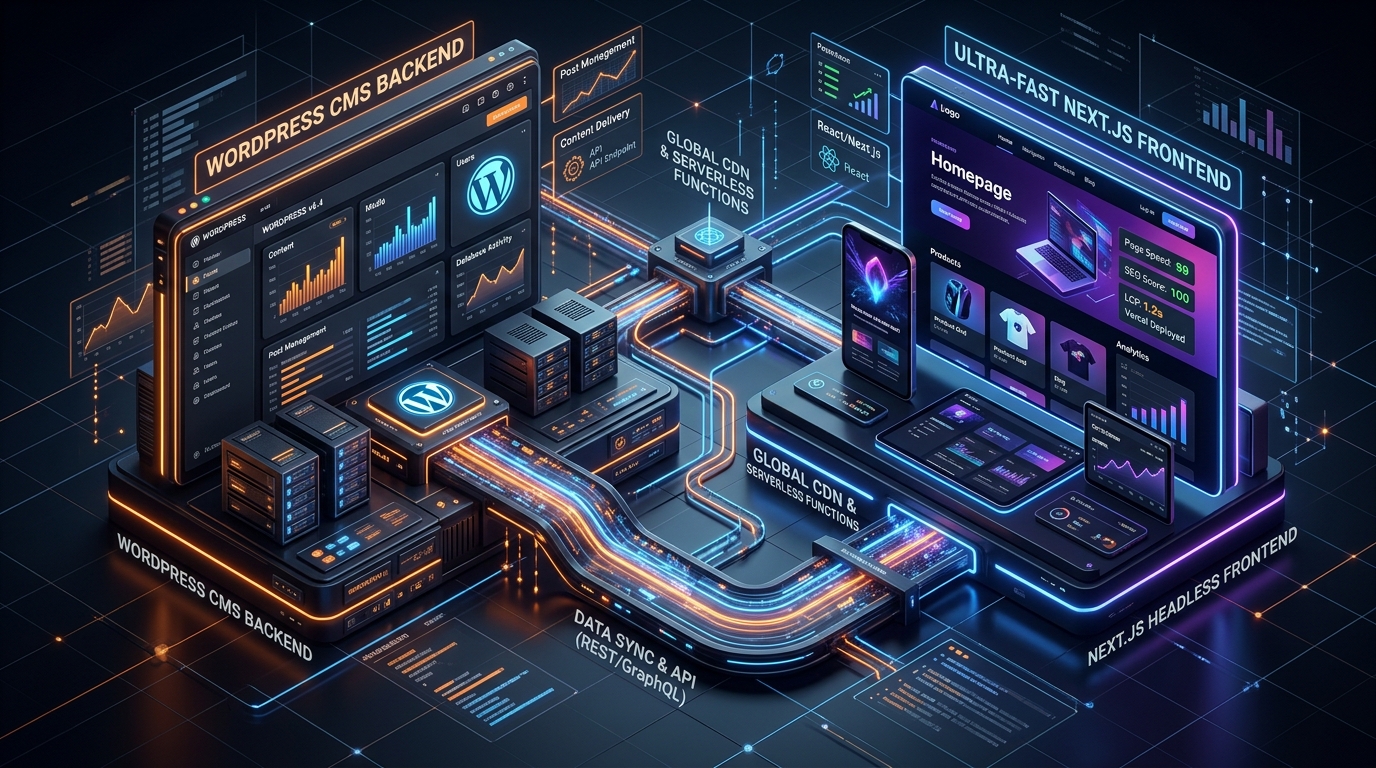
Migración de WordPress a Next.js Headless: Guía de Arquitectura, Rendimiento y SEO
Aprende a transformar un sitio WordPress tradicional en una arquitectura Headless ultra rápida con Next.js App Router, WPGraphQL y revalidación ISR para lograr 100/100 en Core Web Vitals.

Optimización de Consultas y Rendimiento en PostgreSQL y Supabase para Aplicaciones de Alta Escala
Guía técnica para acelerar bases de datos PostgreSQL y Supabase. Domina EXPLAIN ANALYZE, índices compuestos y GIN, connection pooling con PgBouncer y particionamiento de tablas masivas.